
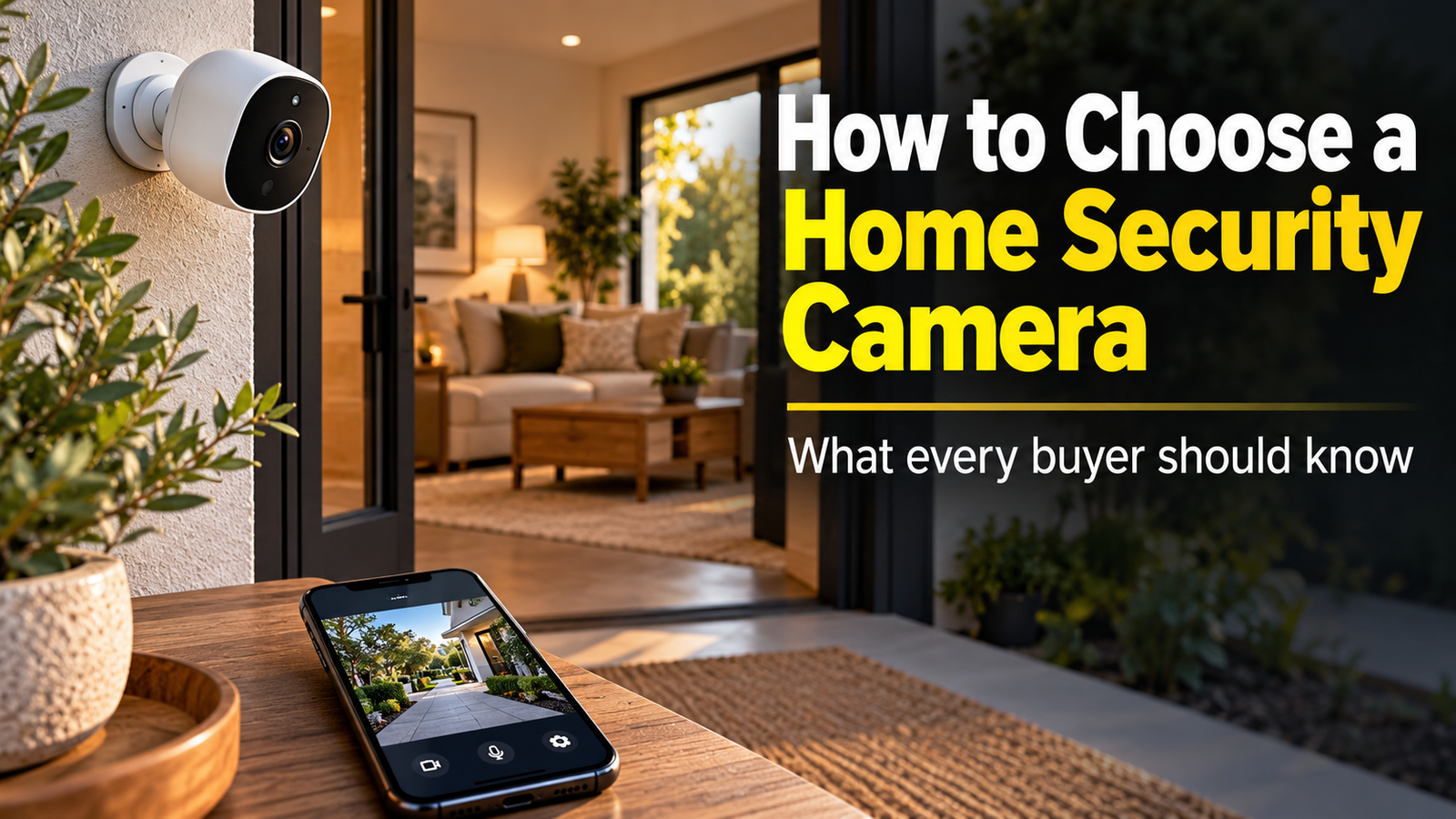
How to Choose a Home Security Camera for Your Property
How to choose a home security camera is an important consideration for homeowners and renters who want to monitor their property, protect deliveries, and stay informed about activity around their homes. With so many cameras offering different resolutions, recording options, motion detection capabilities, and subscription plans, selecting the right equipment can be confusing.
The best home security cameras aren’t necessarily the most expensive models. The right choice depends on your home’s layout, the areas you want to monitor, your preferred installation method, and whether you want local or cloud video storage. Some cameras provide basic monitoring at an affordable price, while others offer advanced features such as intelligent motion alerts, two-way audio, night vision, and smart-home integration.
This home security camera buying guide explains the features that matter most, compares wired and wireless options, examines ongoing storage costs, and helps you identify a security camera that fits your household’s needs and budget.
Start With What You Want Your Security Camera to Monitor
Before comparing brands or specifications, consider why you want a security camera in the first place. Different locations and activities may require different equipment, and identifying your primary purpose can help narrow the available options.
For example, a homeowner concerned about package deliveries may benefit from a camera positioned near the front entrance. Someone who wants to monitor a driveway may need a wider field of view, stronger outdoor night vision, and the ability to distinguish people from passing vehicles. A household interested in checking on pets while away from home may prefer an indoor camera with two-way audio and convenient smartphone access.
It’s also worth thinking about the number of areas you want to monitor. A single camera may be sufficient for a small apartment or a particular entrance, while a larger property could require multiple devices to provide meaningful coverage.
Camera positioning is just as important as camera performance. A high-resolution device mounted at an unsuitable angle may capture less useful information than a more affordable model placed strategically. Before purchasing, consider the areas you want visible, the distance between the camera and the activity, nearby lighting, and whether the installation location has a reliable power source and Wi-Fi connection.
Security cameras can improve awareness and help document events, but they should be viewed as one component of home security rather than a substitute for secure locks, appropriate lighting, and other protective measures.
Video Quality: Why Resolution Isn’t the Only Thing That Matters
Video resolution is one of the first specifications consumers encounter when shopping for home security cameras. Common options include 1080p, 2K, and 4K, with higher resolutions generally offering greater image detail under suitable conditions.
A 1080p camera may provide adequate footage for monitoring a doorway, checking on pets, or observing activity in a smaller indoor area. Higher-resolution cameras can be useful when recording larger spaces or when additional detail is needed to distinguish objects at a distance.
However, resolution alone doesn’t determine whether video footage will be useful. Lens quality, compression, lighting, frame rate, and the distance between the camera and the subject also influence image clarity. A 4K camera positioned too far away may not provide the identifying detail a buyer expects.
Low-light performance deserves particular attention, especially for outdoor cameras. Many security-related events occur after dark, when visibility is limited. Some cameras rely on infrared night vision, which typically produces black-and-white footage, while others use built-in spotlights or low-light sensors to produce color images under appropriate conditions.
A camera’s field of view also affects coverage. Wider viewing angles can capture more of a driveway, front yard, or living area, potentially reducing the number of cameras required. However, extremely wide views may make distant subjects appear smaller.
When comparing products, look at real sample footage when available rather than relying solely on resolution claims. Daytime image quality, nighttime performance, subject visibility, and recording smoothness can matter more than the largest number printed on the package.
Smart Motion Detection and Alerts: Features That Can Make a Difference
Motion detection has become a standard feature in many home security cameras. When the camera identifies movement, it may record a video clip, send a smartphone notification, or activate another connected security device.
Basic motion detection can be useful, but it may also generate unnecessary alerts. Moving tree branches, changing shadows, passing vehicles, and animals can trigger recordings even when nothing important is happening.
More advanced cameras use software-based detection to classify different types of activity. Depending on the model, they may distinguish between people, vehicles, animals, packages, and general movement. These capabilities can make notifications more relevant and reduce the frequency of alerts that don’t require attention.
Some cameras also allow users to establish motion zones. For example, a homeowner might configure a camera to monitor a front walkway while ignoring activity on a busy street nearby. This can be particularly valuable in neighborhoods where routine movement would otherwise generate constant notifications.
Two-way audio is another practical feature. Cameras equipped with microphones and speakers may allow users to communicate with someone near the device through a smartphone application. This can be convenient when responding to a delivery driver, communicating with a visitor, or checking on a pet.
However, not every smart feature is included in the original purchase price. Some manufacturers require a paid subscription for advanced person detection, package recognition, extended video history, or other enhanced capabilities.
Before purchasing, review which functions work without a subscription and whether the camera continues to provide the alerts and recordings you need if you choose not to pay for additional services.
Indoor and Outdoor Security Cameras: Understanding the Differences
Indoor and outdoor cameras serve similar purposes, but they operate in different environments and may require different features.
Indoor security cameras are generally designed for controlled environments where weather exposure isn’t a concern. They are often compact, easy to position, and relatively simple to install. Common uses include monitoring entryways, shared living spaces, pets, or other appropriate household areas.
Privacy should play a significant role in indoor placement. Cameras should not be installed in bathrooms, changing areas, or other locations where people reasonably expect privacy. Households should also consider how recording affects family members, visitors, and anyone regularly entering the property. Features such as privacy shutters, scheduled recording, or automatic disabling when residents are home may be worth considering.
Outdoor cameras must withstand more challenging conditions. Rain, dust, wind, temperature changes, and direct sunlight can all affect equipment performance. When comparing models, look for appropriate weather-resistance ratings and operating-temperature specifications.
Many outdoor cameras use an Ingress Protection, or IP, rating to describe resistance to dust and water. The specific rating helps indicate the conditions the device was designed to withstand, although it doesn’t mean every camera is suitable for every climate or installation location.
Outdoor installation also introduces connectivity challenges. A camera mounted far from the home router may experience weak Wi-Fi signals, delayed notifications, or unreliable video uploads. Before installing a camera near a garage, driveway, or detached structure, check whether the location receives sufficient network coverage.
Ultimately, indoor and outdoor cameras should be selected based on their intended environment rather than appearance alone.
Wired vs. Battery-Powered Cameras: Which Is Better?
Power requirements are another important consideration when choosing a security camera. The three common approaches are plug-in cameras, hardwired cameras, and battery-powered models.
Wired cameras receive electricity through a continuous power connection. Some plug into ordinary electrical outlets, while others use low-voltage wiring or Power over Ethernet (PoE), which can transmit data and electrical power through a compatible Ethernet cable.
This makes wired equipment particularly attractive for permanent installations where continuous operation is important. Depending on the system, wired cameras may support continuous video recording, reducing the possibility of missing activity between motion-triggered clips.
However, wired installation can be more involved, especially when cables must pass through walls or reach locations without convenient electrical access. Some installations may require professional assistance.
Battery-powered cameras offer greater installation flexibility. They may be particularly useful for renters, consumers who want to avoid running cables, or homeowners installing cameras in locations where electrical connections are unavailable.
The main trade-off is maintenance. Battery life depends on the camera model, recording activity, environmental temperature, wireless signal strength, and enabled features. A camera positioned near a busy sidewalk may record more frequently and require charging sooner than one installed in a quiet area.
Many battery-powered cameras conserve energy by recording when motion is detected rather than capturing continuous video. Buyers who require uninterrupted footage should verify that the particular model supports continuous recording and the necessary power configuration.
Some cameras also support compatible solar charging accessories. These may reduce the frequency of manual charging, but performance depends on adequate sunlight and proper placement.
For a permanent home security installation, wired equipment can offer advantages in reliability and maintenance. For simple installations or locations without accessible wiring, battery-powered models may provide a more convenient solution.
Cloud Storage vs. Local Storage: Understanding the Long-Term Costs
Video storage is one of the most important purchasing considerations because it affects both accessibility and ongoing ownership expenses.
Security cameras typically store footage through cloud services, local storage, or a combination of both.
Cloud storage saves recorded footage on remote servers operated by the camera manufacturer or service provider. Depending on the plan, users may be able to review recordings through a smartphone, download clips, and access stored footage even when the camera itself is no longer available.
However, cloud recording commonly requires a recurring subscription. The cost may vary based on the number of cameras, recording history, video features, and service tier. Some manufacturers provide limited free storage, while others place most recording functionality behind a paid plan.
Local storage saves footage directly to a memory card, network video recorder, home hub, or other compatible storage device. This can reduce or eliminate certain recurring cloud-storage fees, making it attractive to consumers who want greater control over long-term expenses.
Local storage has limitations, too. A memory card inside a camera may be lost if the camera is stolen or damaged. Storage devices can fail, and some systems require additional equipment to provide reliable remote access. Not every local-storage system operates without an internet connection, particularly when remote viewing depends on a manufacturer’s online service.
A hybrid arrangement can offer additional flexibility by combining local recording with optional cloud backup.
Before choosing a camera, compare not only the purchase price but also the cost of video history, advanced alerts, additional cameras, replacement batteries, and any required storage equipment.
A camera with a lower initial price may become more expensive over several years if accessing important features requires continuous subscription payments.
Comparing Home Security Camera Options
The best option depends on whether your priorities are affordability, ease of installation, continuous recording, or the ability to build a larger home monitoring system.
| Camera type | Primary advantage | Main consideration |
|---|---|---|
| Basic indoor Wi-Fi camera | Affordable monitoring of interior spaces | Privacy settings and storage options |
| Battery-powered outdoor camera | Flexible installation without power cables | Charging and motion-triggered recording |
| Wired outdoor Wi-Fi camera | Continuous power for permanent placement | Requires accessible electrical power |
| PoE security camera | Wired data and power connection | Requires compatible equipment and cabling |
| Multi-camera security system | Coordinated monitoring of several areas | Higher upfront cost and installation complexity |
For an apartment or smaller residence, one or two indoor or outdoor-compatible wireless cameras may be enough to address specific monitoring needs. Buyers should consider whether installation requires drilling, permanent fixtures, or permission from the property owner.
For a larger property, a coordinated multi-camera system may provide better coverage and centralized management. Some systems support a network video recorder, allowing footage from multiple cameras to be stored and reviewed in one location.
Households that already use smart-home platforms may also want cameras that integrate with their existing equipment. Compatibility with systems such as Amazon Alexa, Google Home, or Apple Home can provide conveniences, although available functions vary by camera model and platform.
It’s important to review exactly what integration provides. A camera that works with a smart speaker may not necessarily support advanced automation, recording, or all features available through its own application.
Rather than assuming a particular brand offers every capability, compare the functions available on the specific model being considered.
Don’t Overlook Privacy and Cybersecurity
Because internet-connected security cameras can capture sensitive information about a household, cybersecurity should be an important part of the purchasing decision.
A camera may record when people leave for work, receive deliveries, enter a property, or spend time in particular rooms. Depending on its configuration, those recordings may be accessible through cloud accounts or connected devices.
Choose manufacturers that provide regular software updates, secure account access, and clear information about how recordings are stored and managed. Multi-factor authentication can provide additional protection against unauthorized account access, while strong, unique passwords help reduce the risk of account compromise.
Consumers should also review whether cameras support encrypted communications, how footage can be deleted, and what happens to stored recordings when a subscription is canceled or a device is removed.
Privacy settings deserve similar attention. Some cameras offer physical privacy shutters, recording schedules, customizable detection zones, or controls that limit recording in certain areas.
Recording laws can vary by jurisdiction, particularly when audio is captured or cameras include areas beyond the owner’s property. Buyers should understand applicable requirements and respect the privacy of neighbors, visitors, and others who may be recorded.
A security camera should provide useful monitoring without creating avoidable privacy or cybersecurity risks.
What Does a Home Security Camera Really Cost?
The total cost of a security camera extends beyond the price displayed by the retailer. Consumers should consider the complete ownership experience, particularly if they’re installing multiple cameras.
An inexpensive camera may require a subscription for recording history or smart detection. Battery-powered systems may need periodic battery replacement or charging, while hardwired installations can involve additional equipment and installation expenses.
A larger system may require storage drives, a network video recorder, compatible power equipment, mounting accessories, or improved wireless coverage.
When comparing products, consider three main cost categories: the initial equipment purchase, any installation expenses, and recurring charges for storage or premium services.
For example, a household purchasing four cameras with a monthly subscription may face meaningfully different long-term costs from another household using a local-storage system with a higher upfront equipment price but no mandatory video-storage subscription.
The lower-cost option depends on the actual products, included functionality, and how long you plan to use the system.
Before making a purchase, calculate the approximate cost over three years rather than comparing only the cameras’ selling prices. This approach can reveal whether a budget-friendly product remains economical over time.
Before You Buy, Make Sure the Camera Fits Your Needs
Before selecting a security camera, identify the areas you want to monitor and consider what kind of footage would be useful. A front-door camera may need clear facial visibility and package alerts, while a driveway camera may benefit from stronger night vision and a wider viewing angle.
Next, determine whether the installation location has reliable power and connectivity. A feature-rich camera won’t be particularly useful if its network connection is unstable or its battery frequently runs out of charge.
Pay close attention to how recordings are stored and retrieved. Some consumers will appreciate the convenience of cloud video history, while others may prefer local storage and fewer subscription expenses.
Finally, review product support, privacy controls, warranty coverage, and compatibility with any existing smart-home equipment. These considerations may not be as prominent in advertising, but they can have a substantial effect on the system’s everyday usefulness.
Frequently Asked Questions About Home Security Cameras
What resolution should I look for in a security camera?
For many everyday monitoring purposes, 1080p provides a reasonable starting point. Cameras offering 2K or 4K resolution may provide additional image detail, but actual footage quality also depends on lighting, distance, lens quality, and compression.
Are wireless security cameras reliable?
Wireless cameras can provide dependable monitoring when they have sufficient Wi-Fi coverage, reliable power, and appropriate environmental protection. Weak network signals, internet outages, or depleted batteries can interrupt certain features or recordings.
Do all home security cameras require a subscription?
No. Some cameras provide local recording or limited free cloud features. Others require subscriptions for video history, advanced alerts, or additional services. Buyers should confirm which functions remain available without a paid plan.
Is a wired security camera better than a battery-powered camera?
Wired cameras can be advantageous for continuous power and permanent installations. Battery-powered cameras provide greater installation flexibility but may require more frequent maintenance and often rely on motion-triggered recording.
Can home security cameras work without internet service?
Some cameras can record locally without an active internet connection, depending on their design and storage configuration. Remote viewing, smartphone notifications, and cloud recording generally depend on internet connectivity. Check the specific model’s offline capabilities before purchasing.
How many security cameras does a home need?
There is no universal number. The appropriate quantity depends on property size, entrances, areas of concern, and how much coverage each camera provides. Strategic placement is often more valuable than installing numerous poorly positioned devices.
Final Thoughts: Choose a Camera That Fits Your Home and Routine
Understanding how to choose a home security camera requires balancing useful monitoring features with installation requirements, privacy, and long-term cost.
A basic indoor camera may be sufficient for checking on pets or monitoring an appropriate shared space. A battery-powered outdoor camera may provide convenient coverage near a front entrance, while a wired multi-camera system may be more appropriate for homeowners seeking more extensive property monitoring.
Higher resolution, advanced motion detection, and smart-home integration can all provide benefits, but those features should address genuine needs rather than simply make a product appear more advanced.
Before purchasing, consider where the camera will be installed, what activity you want to record, how footage will be stored, and whether the system requires subscriptions or regular maintenance.
Most importantly, choose equipment from a manufacturer that takes software support, privacy, and security seriously.
The best home security camera isn’t necessarily the one with the longest feature list. It’s the one that provides dependable monitoring, appropriate privacy protections, and lasting value for your household.






2 Responses